Freight Exchange
Comprehensive transport management with no subscription fee
The Platforma Transportowa is a modern system that combines a freight and vehicle exchange with tools for organising, carrying out and monitoring transport operations. In one place, we provide solutions for consignors, Freight Forwarding Companies and carriers that streamline day-to-day operations, reduce paperwork and save time.
- Freight and vehicle exchange, plus your own Private Boards
- Direct collaboration and building a network of Business Partners
- Automatic generation of UPPT Contracts and CMR documents
- Driver Panel, Transport Statuses and Automatic Notifications
- Less administrative work, greater control over transport
- Integration with external ERP/TMS systems
Public Board
Free Transport Advertisements
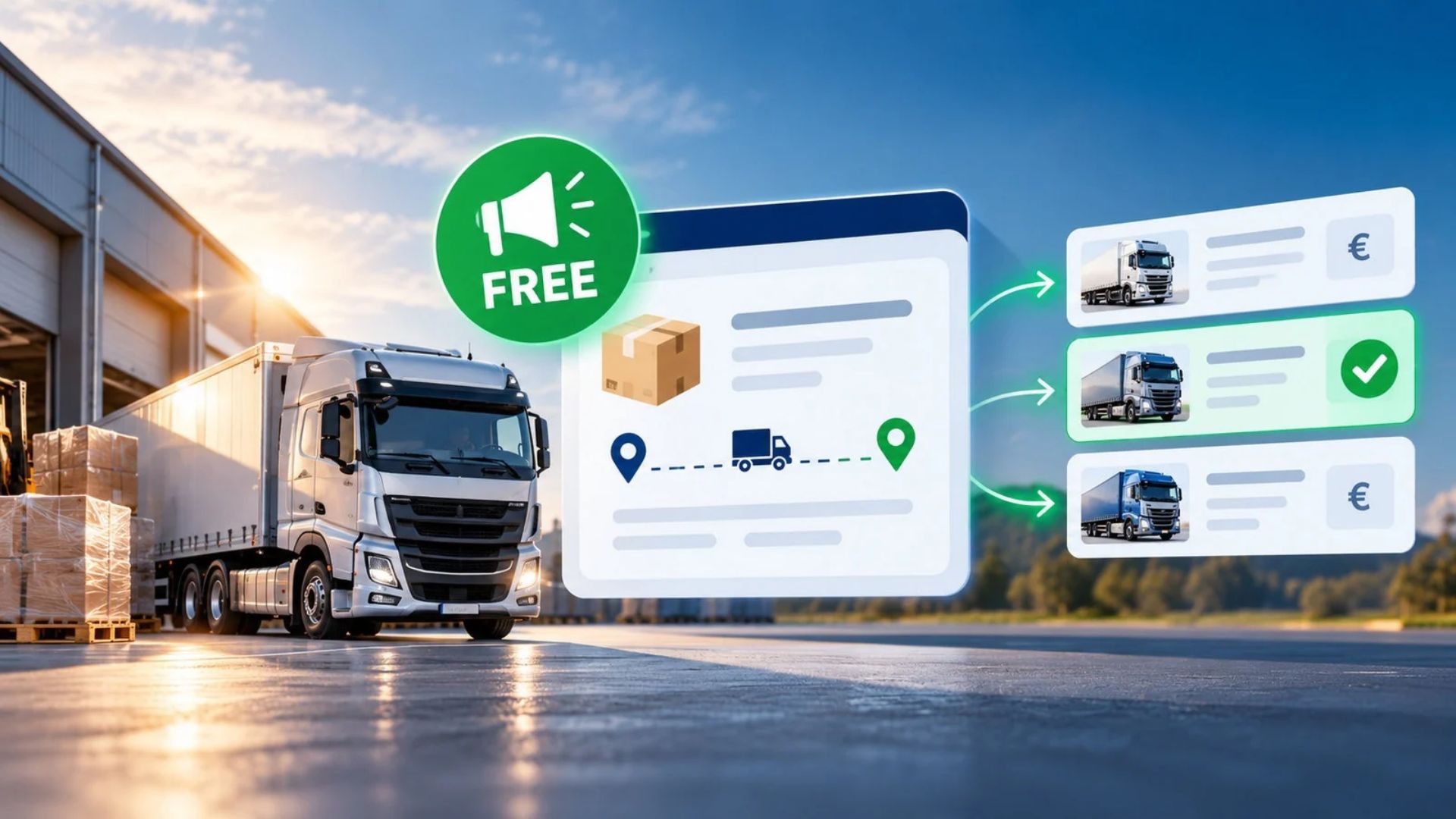
The Public Board enables consignors, Freight Forwarding Companies and carriers to publish Transport Orders free of charge. Verified carriers can submit Price Quotes, whilst clients can compare offers and select the most favourable transport terms. It is a simple way to find a suitable carrier, agree on a price and conclude a Contract of Carriage.
- Free publication of transport order advertisements
- Bonus points for reported Contract of Carriage
- Securing transport orders without a fixed subscription fee
- Access to order details for verified carriers
Carriage Documents – CMR
From the UPPT Contract of Carriage to Domestic and International Consignment Notes
Automatic preparation of an UPPT Contract. After the carrier’s offer has been selected, the system generates a draft contract based on the details from the advertisement, taking into account the parties, route, dates and freight charges. The principal may complete and edit it before submitting it to the carrier for acceptance.
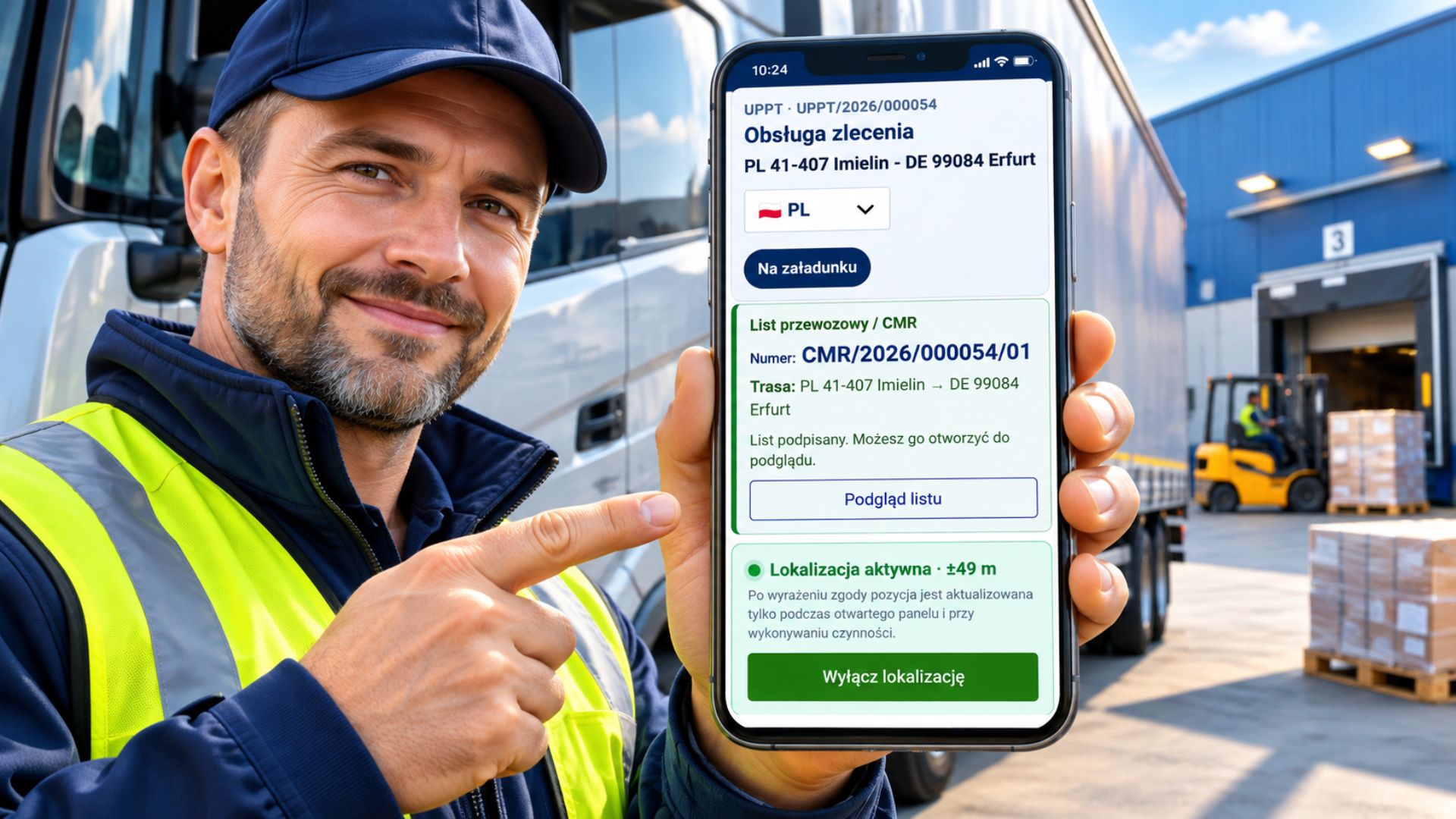
Preparation of the consignment note. Based on the data from the UPPT Contract, the principal or Freight Forwarding Company prepares a draft domestic or international CMR Consignment Note. The principal then generates a link to the document and sends it to the Consignor, who can check, complete or correct the details, and then approve and electronically sign the Consignment Note.
Electronic Document Workflow. The Consignor, Carrier and Consignee can electronically confirm the successive stages of the consignment. The Driver has access to the documents via their dashboard, whilst the Principal can monitor their status.
Proof of Delivery. The system enables the electronic registration of parcel receipt, as well as the saving and printing of Consignment Notes in PDF format.
- Electronic Document Workflow – document and confirmation management in a single system
- Driver access – documents relating to a journey are available whilst the journey is in execution
Search for a company
Find the right carrier based on location, specialisation and fleet specifications
Are you looking for a carrier to handle a specific transport job? The Platforma Transportowa Business Directory allows you to search for companies not only by location, but above all by type of transport, specialisation, the vehicles they own and their equipment.
Do you need a Refrigerated Truck, a vehicle with a Truck-mounted Crane, a Tanker or a trailer combination with a specific load capacity? Select the relevant parameters to narrow down your search results to companies offering the type of service you’re looking for.
Browse Company Profiles, find out about their specialisations, available fleet and scope of operations. Thanks to this detailed information, you’ll find it easier to identify a company that meets the requirements of your job.
- Location and scope of operations – search for companies by town, region, country and service area
- Type and specialisation of transport – find companies handling specific types of cargo and transport services
- Vehicles and their equipment – take into account Maximum Authorised Mass, load capacity, Body Type, equipment and additional transport parameters
The stock exchange and noticeboards
Find a load, a vehicle or book a transport service – no subscription required
Our Freight Exchange offers four types of noticeboards. Three of them are used to post Transport Orders, whilst the fourth allows you to advertise available vehicles or Available Loading Space. Each board operates on different principles and caters to the varying needs of shippers and carriers. This allows you to select the model of cooperation best suited to the nature of your business, whether you are looking for a carrier, new orders or long-term business partners.
- Public Board – post loads and receive Transport Offers free of charge
- Cargo Board – a freight exchange for carriers, with no subscription fees or commissions
- Vehicle Board – advertisements for available vehicles and Available Loading Space
- Private Board – organising transport within a closed group of selected carriers
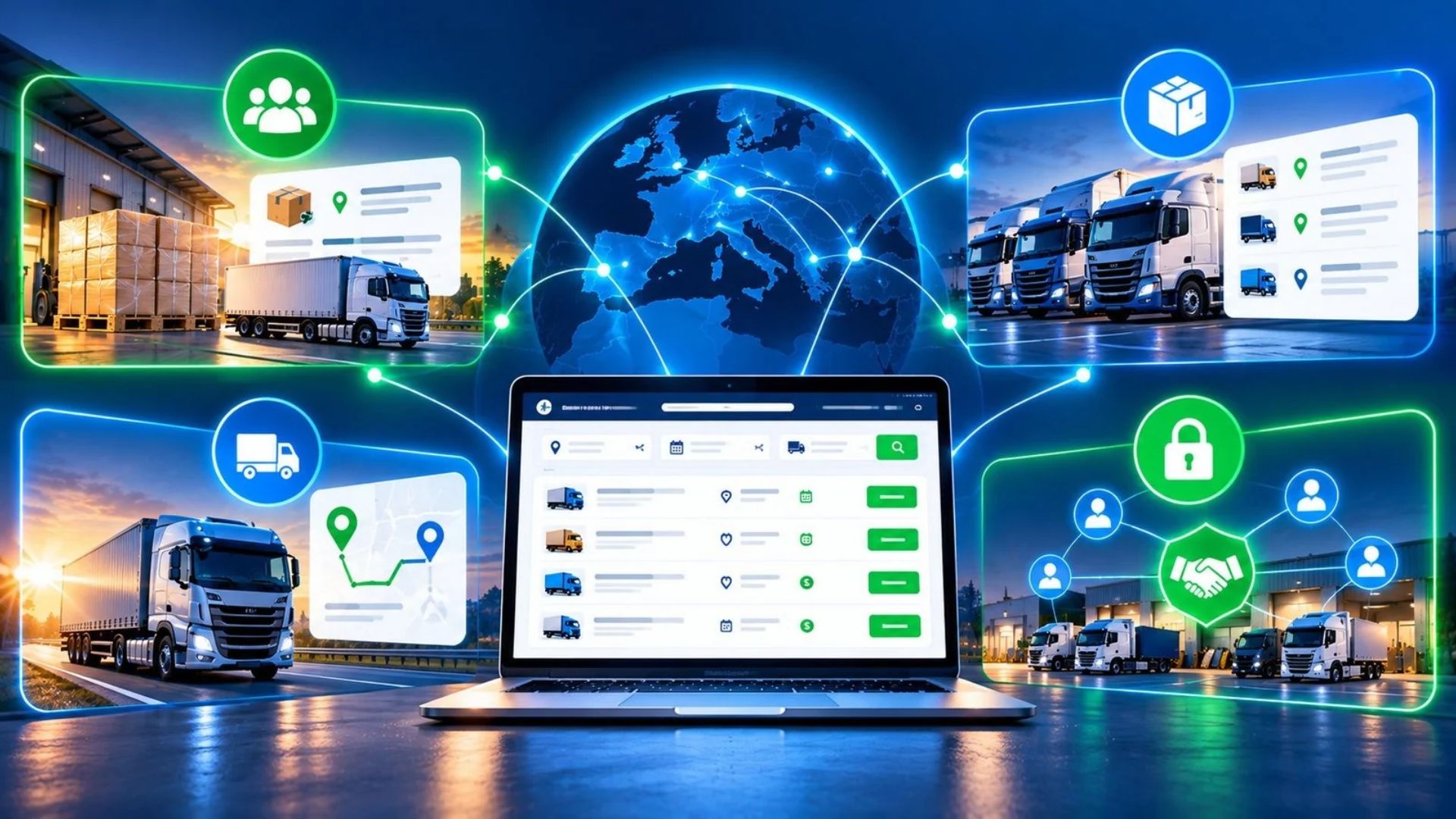
Your Partners for Consignors
Attract new carriers and develop your own Carrier Network
Every manufacturer, Consignor or Freight Forwarding Company needs carriers to whom they can entrust their transport operations. The ‘Your Partners’ module not only enables you to maintain existing business contacts, but above all to establish partnerships with new Transport Companies and gradually build your own network of partners.
You can invite both carriers you already work with and companies you are planning to contact. You can send invitations individually or in bulk, and the system automatically prepares messages in the relevant languages. You can also invite companies that do not yet have an account on the Platform and monitor the status of invitations sent.
If you use the Private Board, you can also invite carriers to your own private Freight Exchange. Once they have been granted the appropriate access, they will be able to view the orders published there and submit quotes. In this way, you develop your own network of partners, expand your pool of potential contractors and increase your capacity to organise transport.
- New and existing carriers – invite Transport Companies and develop your own network of business contacts
- Automatic invitations – send messages individually or in bulk, in the consignee’s language, and monitor their status
- Your own partnership network – invite new partners to the Private Board and manage access to orders yourself
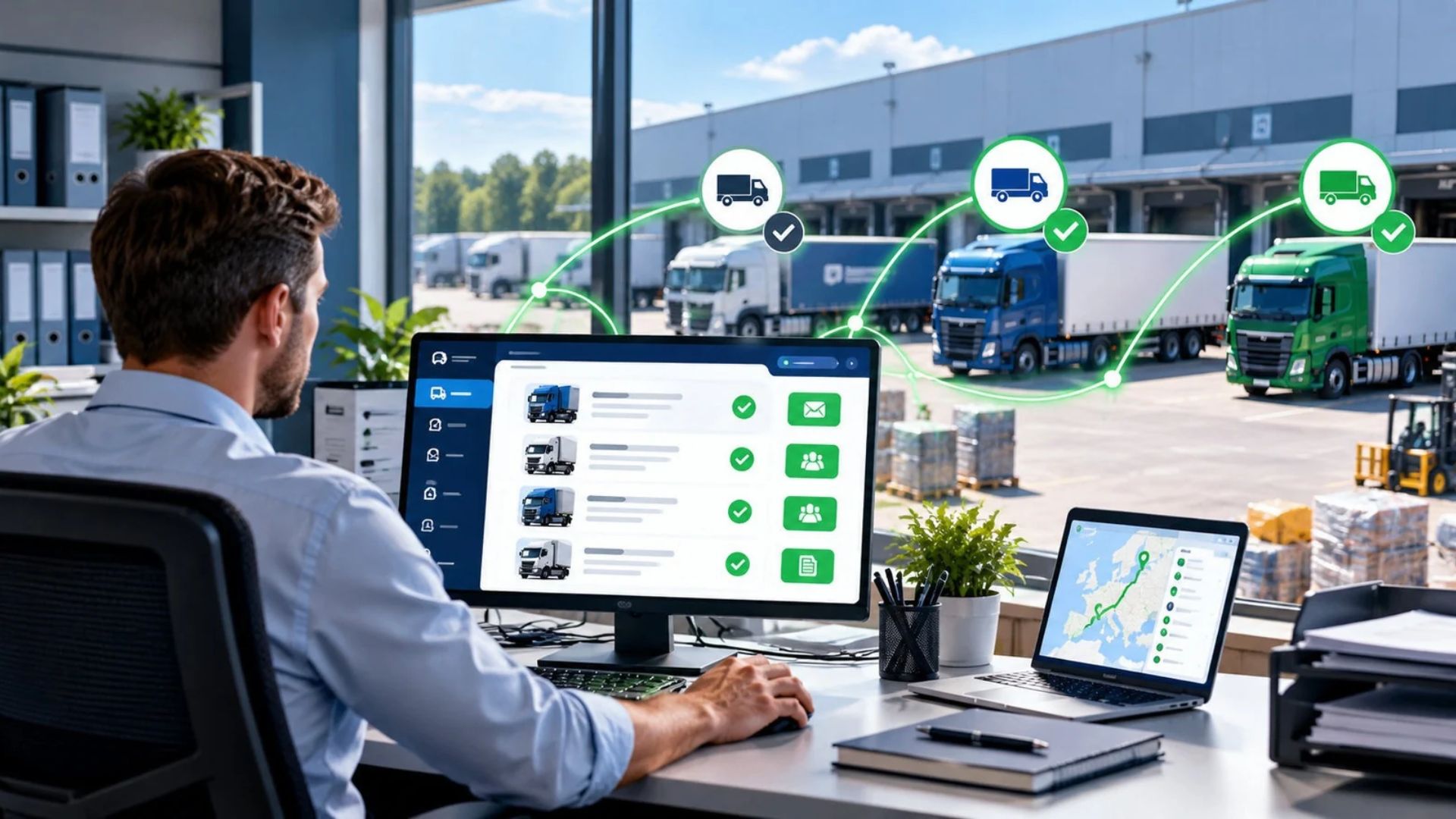
Consignor on the Public Board
Find carriers, draw up contracts and manage your transport without a subscription!
The Platforma Transportowa enables manufacturing, trading and freight forwarding companies, as well as other principals, to publish cargo advertisements free of charge and receive quotes from carriers.
Security of cooperation. Businesses using the Platform undergo a verification process. We check that the company is listed in official registers and, in addition, verify the account via a bank transfer from the company’s bank account. This helps to minimise the risk of a company being registered without the knowledge of those authorised to represent it.
- Free Advertisements – publish load offers on the Public Board
- Free UPPT Contract Generator – prepare contracts of carriage based on data from the advertisement, without having to retype the information manually
- Consignment Note generator – create domestic and international CMR Consignment Notes and use electronic Document Workflow
- Transport Performance Monitoring – monitor transport stages, GPS location, Estimated Time of Arrival (ETA), Delays and Incident History via the UPPT Panel
- ‘Your Partners’ dashboard – invite trusted carriers to collaborate and build your own network of contacts
Oferta zlecenia
Jak wystawić ofertę zlecenia transportowego?
Wystawienie zlecenia transportowego na Platformie Transportowej jest proste i nie wymaga doświadczenia w organizacji przewozów. Wystarczy wybrać odpowiednią tablicę ogłoszeniową, określić miejsca i terminy załadunku oraz rozładunku, podać informacje o ładunku, wymaganym pojeździe i warunkach przewozu, a następnie opublikować ogłoszenie.
Obejrzyj krótki film instruktażowy i zobacz, jak krok po kroku przygotować i wystawić zlecenie transportowe.
- Przygotowanie ogłoszenia krok po kroku, bez doświadczenia w organizacji transportu
- Określenie wszystkich wymagań dotyczących ładunku, pojazdu i warunków przewozu
Business Directory
A specialist directory of Transport Companies and Freight Forwarding Companies
The Platforma Transportowa Business Directory is a specialised tool designed to facilitate the search for Transport Companies providing transport services. It enables you to find a suitable carrier not only by location, but above all by type of transport, specialisation, fleet, vehicle body type and other detailed parameters.
Are you looking for a carrier? Find companies offering services that meet your needs. Check their specialisation, available vehicles, transport equipment and scope of operations.
Do you offer transport services? Showcase your company in the directory, highlighting your fleet, specialisation and additional services. Enhance your Company Profile with photos, PDF files and videos so that potential customers can get to know your company’s capabilities better.
- Faster partner search – find companies that meet your specific transport requirements
- Professional company profile – showcase your specialisation, vehicles, range of services, as well as PDFs and videos
- Greater company visibility – increase your chances of reaching new customers looking for specific transport services
Cargo Board
No subscription fee and no commission for carriers
The Cargo Board allows users to publish and search for Transport Orders. Advertisements are displayed in a similar format to those on the Public Board, although different billing rules apply here. Principals publish advertisements using a Prepaid System. The publication fee is charged in points, which can be purchased in advance or received as a bonus for Contracts of Carriage concluded via the Public Board.
Carriers can view the details of orders and submit bids. No commission is charged on Contracts of Carriage concluded via the Cargo Board. To access order details, you must have an active Company Profile in the Business Directory and a Verified Account on the Cargo and Vehicles Board.
- Posting of Transport Orders for Points in the Prepaid System
- Acquiring Transport Orders with no commission for carriers
- Access to order details for authorised, verified carriers
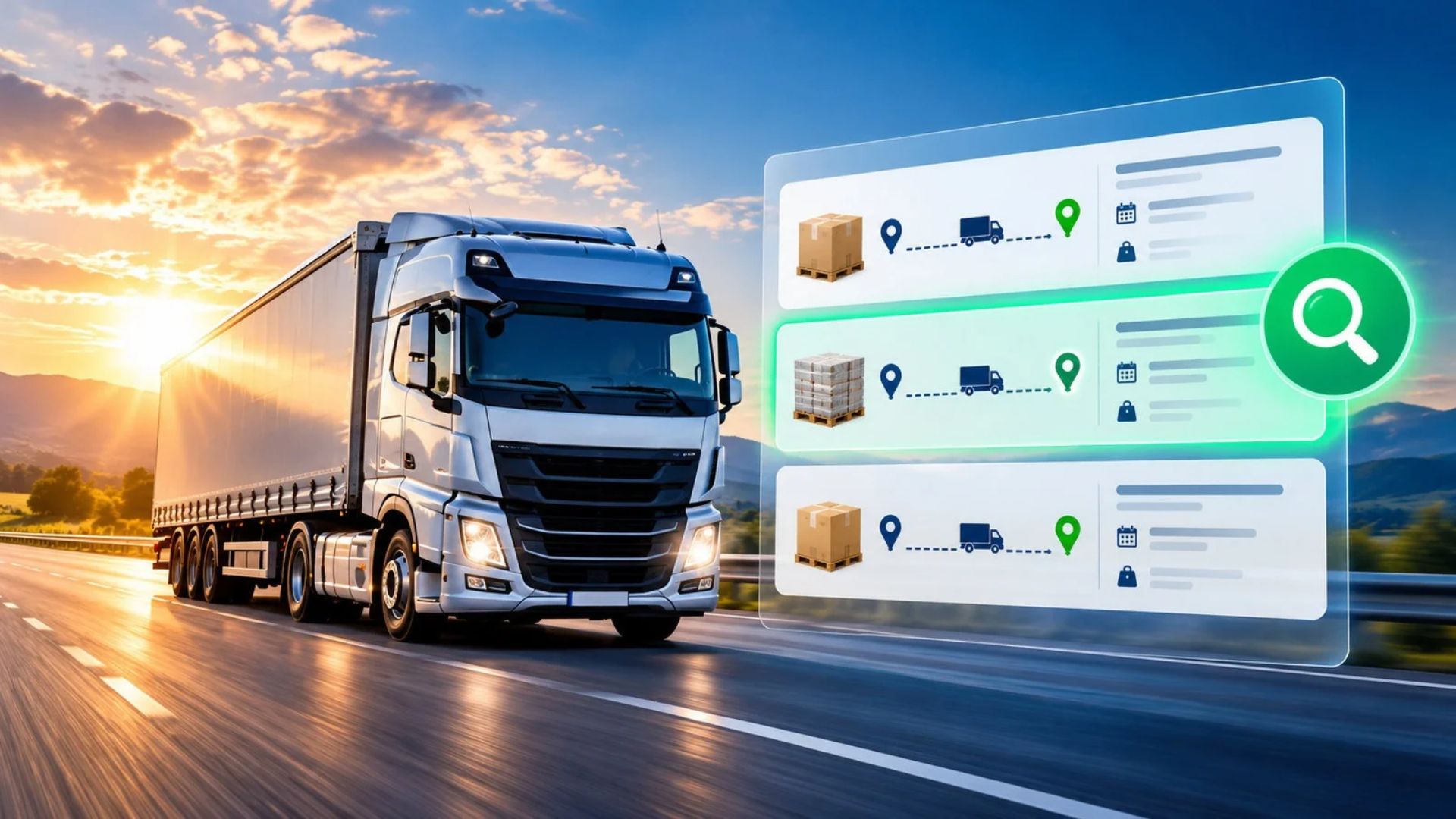
UPPT
Platforma Transportowa Contract of Carriage
UPPT enables the management of the entire transport process – from the preparation of the Contract of Carriage to Proof of Delivery. It combines Automatic Contract Generation, Transport Tracking and Electronic Document Workflow.
Contract and its approval. The system prepares the contract based on the data from the Advertisement. The Principal can supplement or amend it, whilst the Carrier receives the document in their own language and has 15 minutes to accept it or request amendments.
Transport execution. The driver receives a link to a mobile dashboard, where they report the successive stages of the journey. The Principal can track transport statuses, receive notifications, check the estimated time of arrival (ETA) and view GPS reports.
Transport documentation. The system enables the generation of domestic and international CMR Consignment Notes, their electronic circulation, and the transmission of documents and Proofs of Delivery after unloading.
- Automatic Contract Generation for Transport Contracts with the Option to Edit Selected Fields
- Transport Tracking, Notifications, ETAs and GPS Reports
- Generation of Domestic and International CMR Consignment Notes
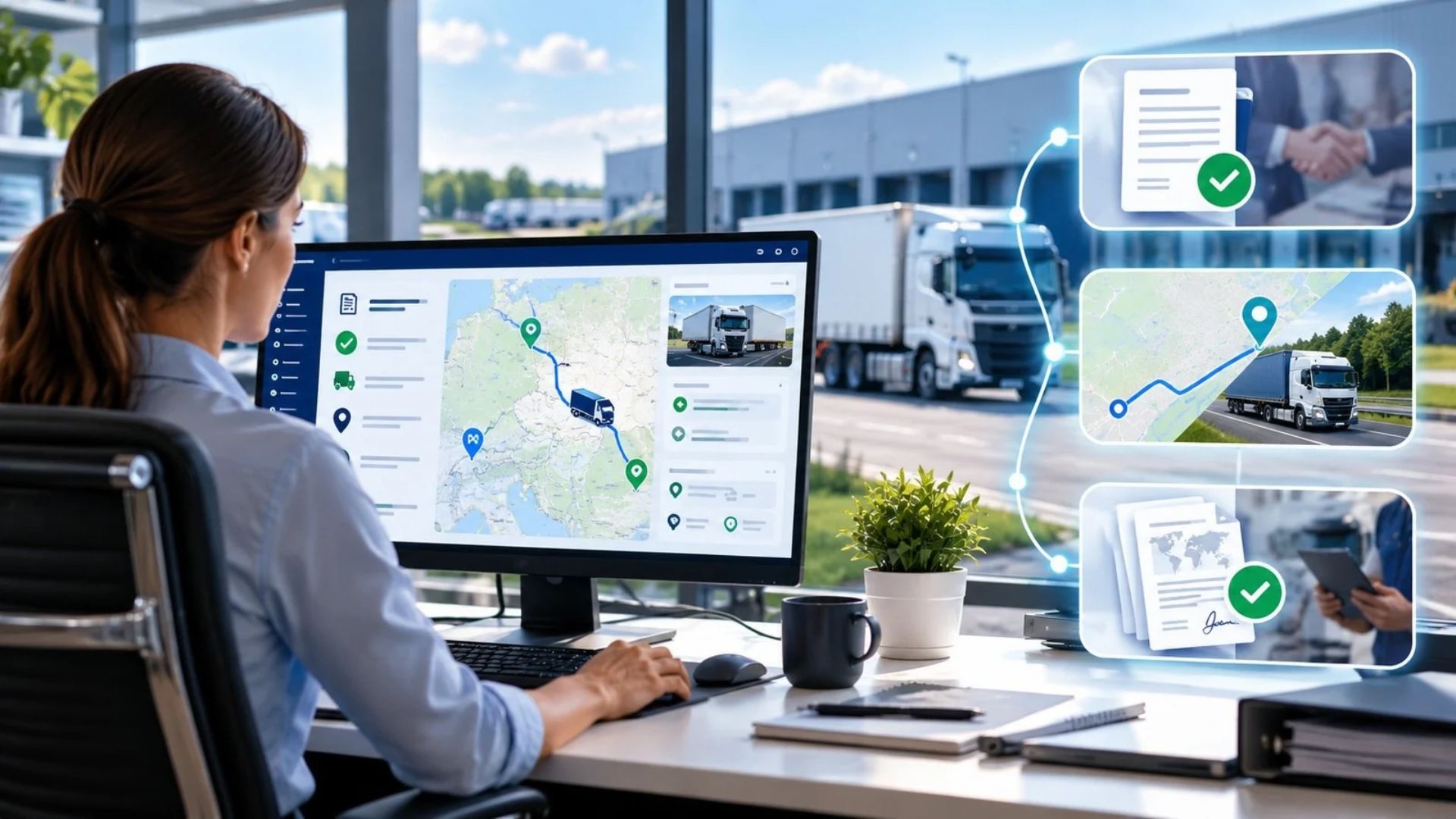
Monitoring of transport operations
Keep track of your shipment from loading right through to delivery!
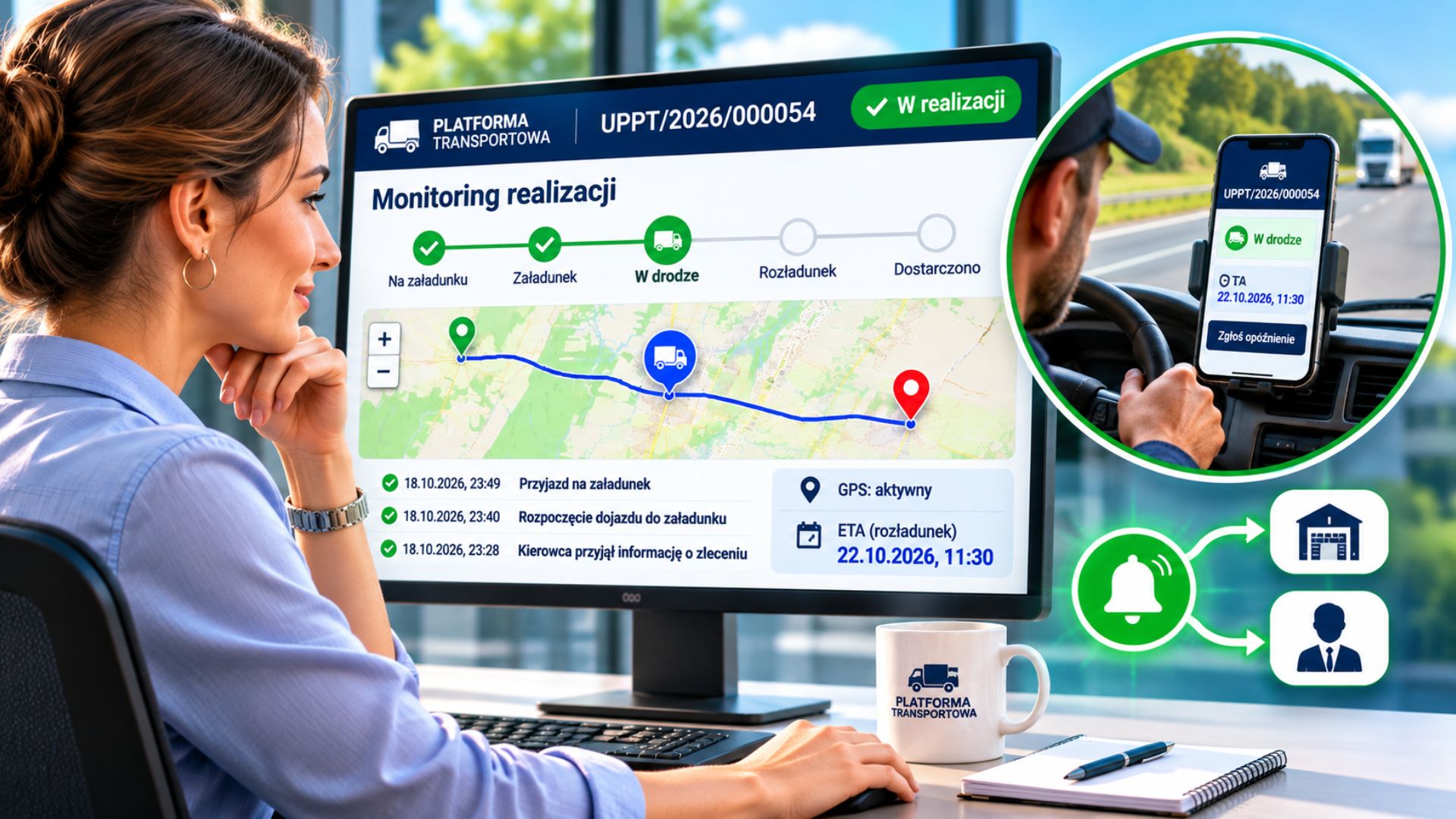
The Transport Platform enables to monitor the successive stages of a journey. The Driver updates the order’s status, whilst the Principal can monitor the progress of the journey in real time, check the current stage and view the event history.
GPS location and Estimated Time of Arrival (ETA). The system records the Driver’s GPS location whilst they are using the Dashboard, enabling the Principal to view the recorded positions on a map. The driver can also update the estimated time of arrival at loading and unloading, and report delays, specifying the reason for delay and expected duration. Automatic Notifications. The system informs the Principal about the next stages of the journey, status changes and delayed deliveries, facilitating real-time monitoring of the transport.
The principal may also designate the consignor and consignee of the Goods as additional recipients of notifications, specifying the scope of information about the transport progress to be provided to them.
- Real-time monitoring – transport statuses, GPS and ETA all in one place
- Efficient communication – Automatic Notifications for designated parties involved in the shipment
- Faster response – information on delays and schedule changes
Local visibility
Let customers searching for transport services on Google find you!
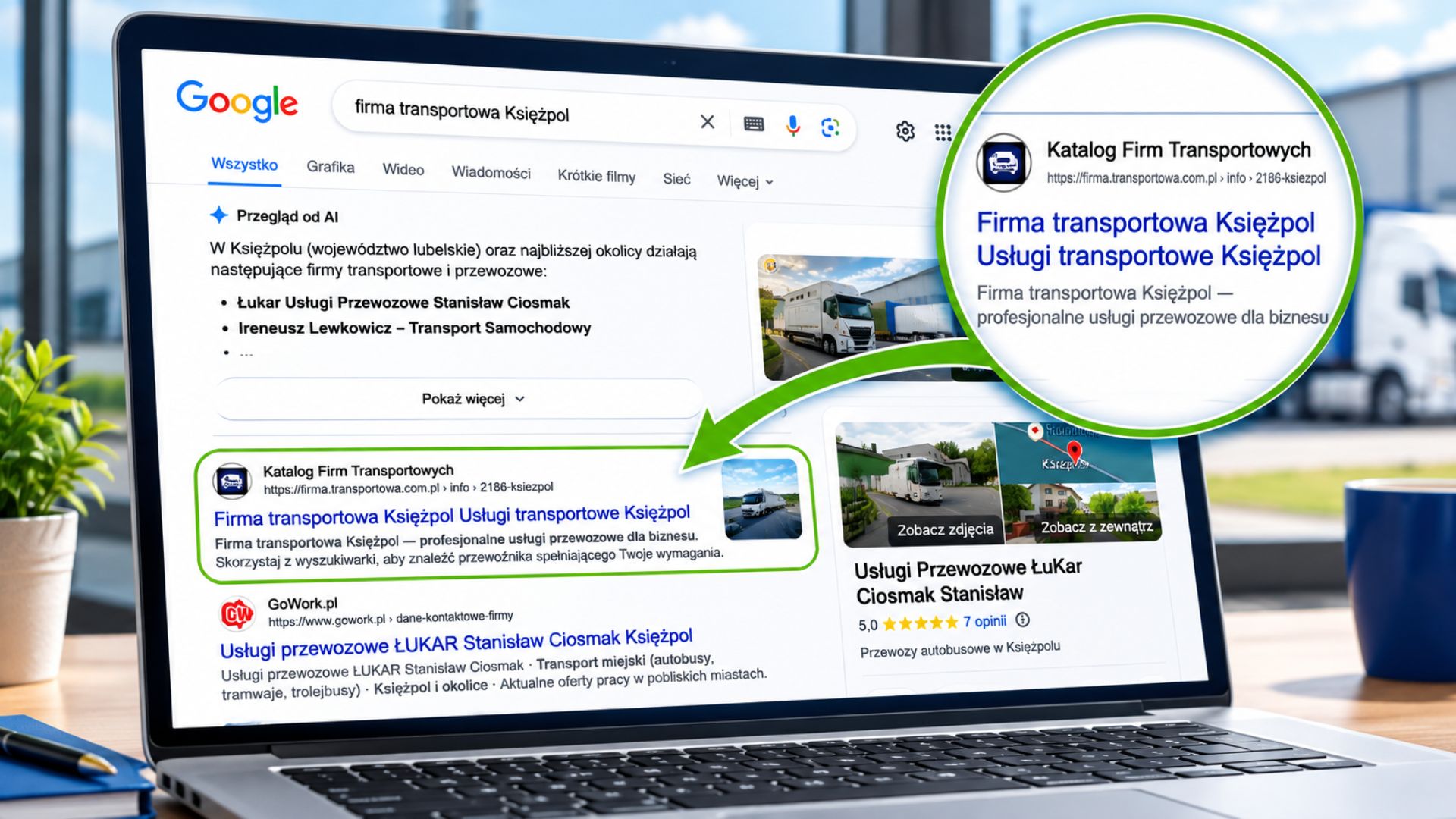
Potential customers often search on Google for phrases such as ‘Wieprz Transport Company’, ‘Księżpol Transport Company’ or ‘Będzin Transport Services’.
The Transport Companies Directory already appears in Google’s search results for such queries, in many cases even on the first page. In large cities, however, competition is much fiercer, and companies often invest significant resources in advertising and search engine optimisation for their websites.
Your company’s presence in the directory offers an additional opportunity to reach potential customers who are looking for carriers and transport services in specific towns and regions. A detailed business listing allows you to showcase your location, specialisation, vehicle fleet and the range of services you provide.
Make sure you can be found where potential customers are looking for transport services – on Google!
- Visibility on Google – an additional way to reach people searching for local transport services.
- Promoting your specialisms – showcase the types of transport and areas of operation your company offers.
- Attracting Customers – increase your chances of establishing cooperation with new Business Partners.
Carrier on the Public Board
Verified businesses, access to jobs and no Subscription Fee!
The Public Board enables carriers and Freight Forwarding Companies to search for loads and submit Transport Offers. Access to the Advertisement Details is granted to businesses that successfully complete the Company Verification process.
How do we verify businesses? The security of our partnerships is our priority. That is why the verification process includes: Document verification – we check the required licences, permits and insurance documents. Checking official registers – we confirm the existence of the business and its registration details. Verification of the business bank account – each account is subject to an additional check via a verification bank transfer from the business’s bank account. The verification bank transfer is also intended to minimise the risk of businesses being registered without the knowledge of those authorised to represent them.
No subscription fee – you pay only for orders secured! There are no subscription fees on the Public Board. The Carrier pays a commission solely on the Contract of Carriage concluded:
- 1% of the Freight Charge – for businesses with a Company Profile in the Transport Companies Directory.
- 2% of the freight charge – for businesses without a listing.
- No Subscription Fee – no commission simply for viewing orders
- Lower commission with a business profile – save 50% on commission for contracts concluded
Your Partners for Carriers
Don’t wait for orders – reach out to customers directly
When running a Transport Company, you don’t have to limit yourself solely to jobs available on Freight Exchanges. You can also seek out new customers yourself and establish direct partnerships with them, making use of the Platforma Transportowa’s capabilities.
In your region and along the routes you regularly serve, there are manufacturers, wholesalers, distribution centres and retail businesses that require transport services. Many of these businesses use Freight Forwarding Companies as intermediaries, unaware of the possibility of working directly with your company. Thanks to the ‘Your Partners’ module at , you can invite such businesses to use the Platforma Transportowa and introduce them to the option of placing transport orders directly. In this way, you are not only searching for available loads, but also actively acquiring new customers, expanding your own network of contacts and building your company’s brand recognition.
Working directly with principals can mean more favourable transport terms, regular bookings and long-term business relationships. Every new contact represents another opportunity to grow your transport business.
- Reaching out to new principals – build relationships with manufacturers, wholesalers and trading companies
- Greater business independence – develop your own sources of work, rather than relying solely on Freight Exchanges

Vehicle Board
Advertisements for available vehicles and Available Loading Space
The Vehicle Board enables carriers to showcase their available vehicles and Available Loading Space, whilst allowing companies commissioning transport to search for Means of Transport tailored to their needs. The advertisements contain information on the Body Type, Payload Capacity, equipment and the vehicle’s area of operation. This makes it easier for the Principal to find a suitable Means of Transport, whilst enabling the Carrier to increase their chances of securing new contracts.
- List of Vehicles Available
- Search by transport requirements
- An additional channel for securing Transport Orders
Reviews and comments
Check reviews of transport businesses and build your credibility on the Platform Transportowa!
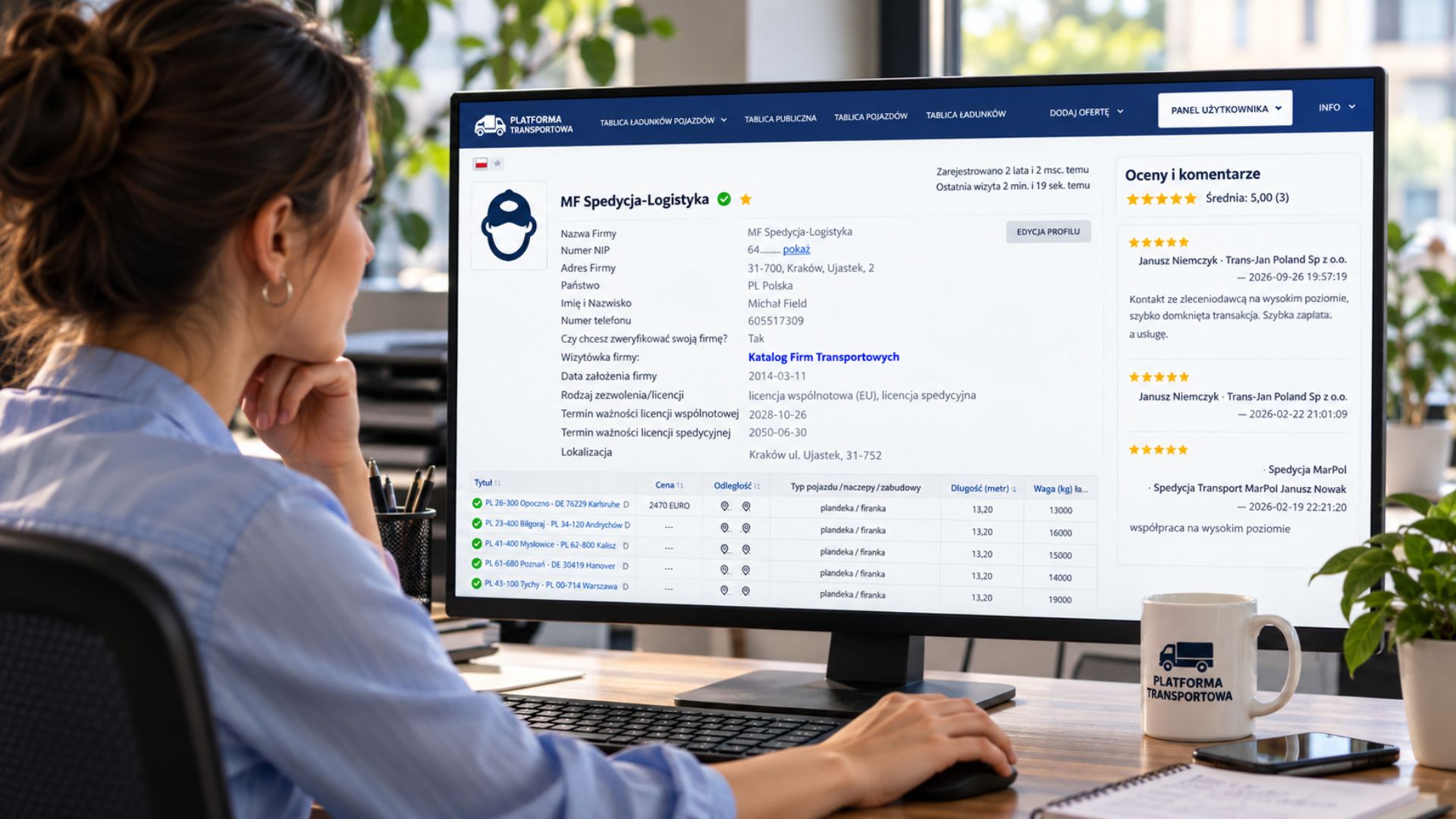
The reviews and comments system enables users to share their experiences of working with other businesses. Each review may include a rating on a scale of 1 to 5 stars and a comment describing the course of the collaboration.
Transparent information about Business Partners.
The platform displays the average rating, the number of reviews posted and the comments, along with details of their authors and publication dates. This enables carriers, Freight Forwarders and Principals to gain a better understanding of other Users’ experiences.
- Greater trust – find out what others think of potential Business Partners
- Easier partner selection – take into account the experiences of other business owners
- Building a reputation – positive reviews strengthen a company’s credibility
- Better quality of collaboration – comments help identify reliable Partners
Company Profile
Greater visibility, lower commissions and new opportunities to secure orders!
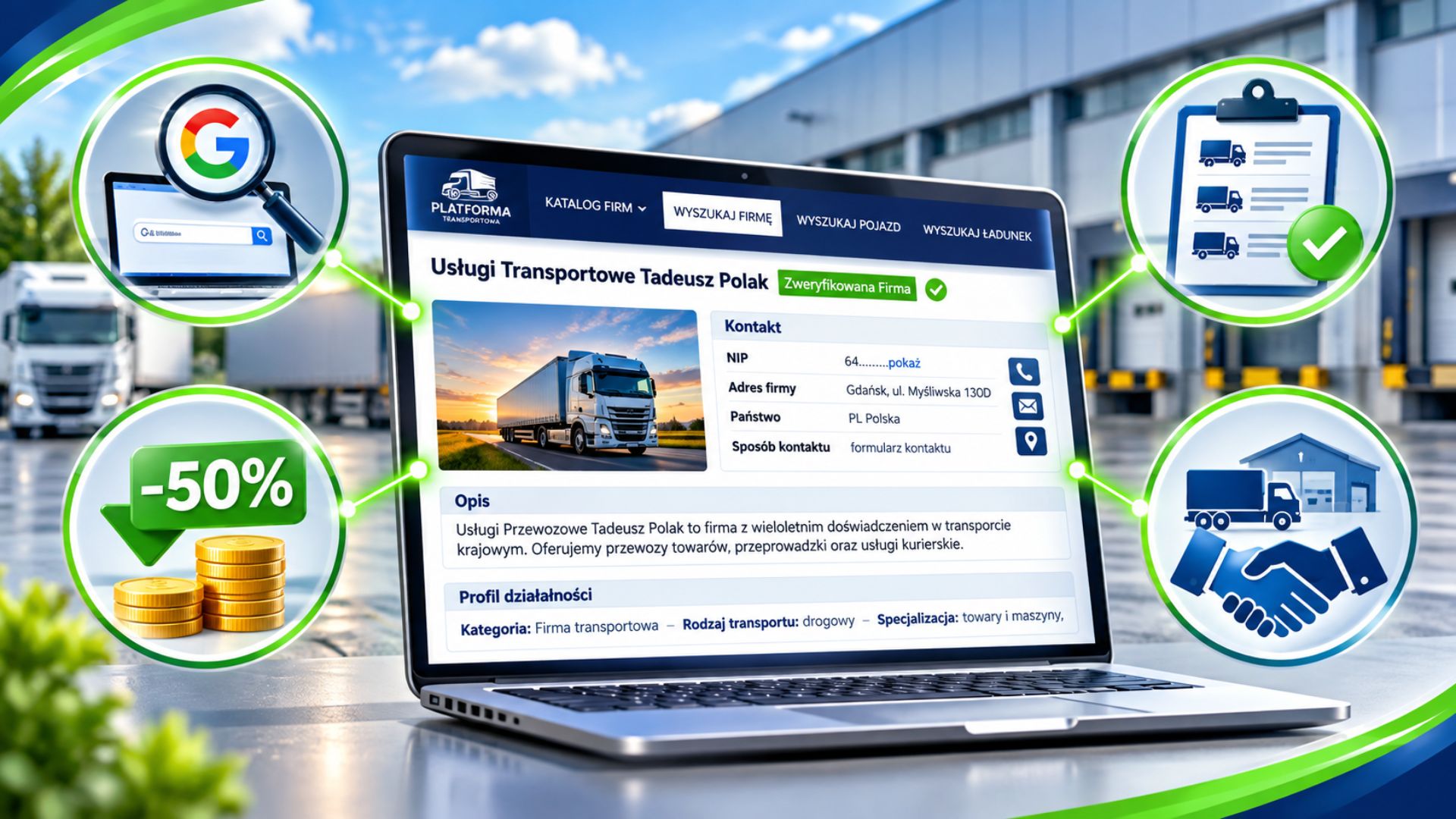
A Company Profile in the Transport Companies Directory is much more than just a company profile. It offers additional opportunities to attract customers, more favourable terms for securing contracts, and access to new channels of collaboration.
Make sure potential customers can find you! Showcase your company’s specialisation, fleet, Body Types, equipment and the range of services you offer. Enhance your Company Profile with photos, videos and PDF documents. Thanks to this detailed information, your company can be found by businesses seeking specific transport services. Your Company Profile may also appear in Google search results, increasing your chances of attracting customers from outside the Platform.
- 50% lower commission – more favourable terms for securing bookings from the Public Board
- Access to the Cargo Board – the ability to view Advertisement Details on the commission-free board
- Opportunity to collaborate via Private Boards – principals can find your company in the Transport Companies Directory and invite you to join their Carrier Network, opening up the possibility of receiving orders directly from them
Your Partners
Building your own network of Business Partners
The Platforma Transportowa offers an advanced email invitation system, enabling you to create and develop your own network of business partners. Invite manufacturers, trading companies, freight forwarders and carriers to use the Platform and establish direct cooperation. You can send invitations individually or in bulk to a selected group of companies. Simply prepare a list of contacts, and the system will automatically send messages in the relevant languages. The content of the invitations is tailored to the type of business of the person sending the invitation and the nature of the proposed collaboration, ensuring that consignees receive a suitably tailored proposal. You manage everything from a single dashboard. You can check which invitations have been sent and opened, as well as see which companies have registered on the Platform. This makes building a network of contacts simpler, faster and more organised.
- Automatic invitations – send messages to a single company or multiple companies at once
- Multilingual communication – invitations in the consignee’s language, tailored to the type of collaboration
- Invitation tracking – see who has opened the message and joined the collaboration
Private Board
Our own private Freight Exchange
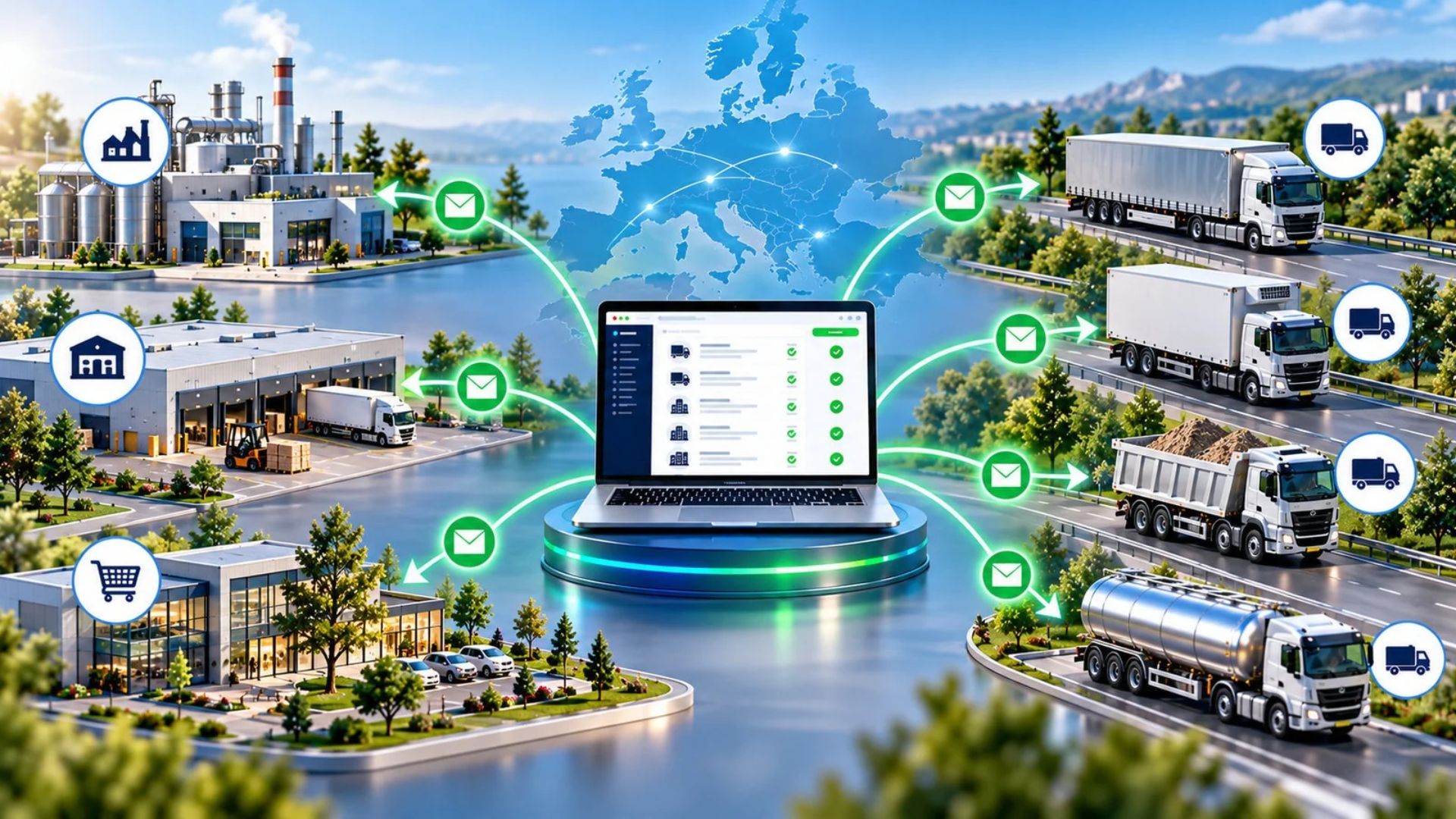
Do you organise transport for your company and work with selected carriers? The Private Board allows you to run your own private Freight Exchange. Post orders amongst invited Partners, manage access and develop your own network of collaborators. This solution is designed for manufacturers, trading companies, logistics and freight forwarding departments.
Everything in one place – from orders to transport documentation. Take advantage of the automatic contract generation for transport contracts and domestic and international CMR consignment notes. Manage the permissions of your business partners and team members. Cut down on paperwork, save time and organise transport on your own terms – with no subscription fee.
- Our own Carrier Network and business partners
- Automatic Contract Generation
- Accept Freight and Freight Assistant – order automation
- Professional transport tools with no subscription fee

ERP and accounting
Transport documentation and System Integration
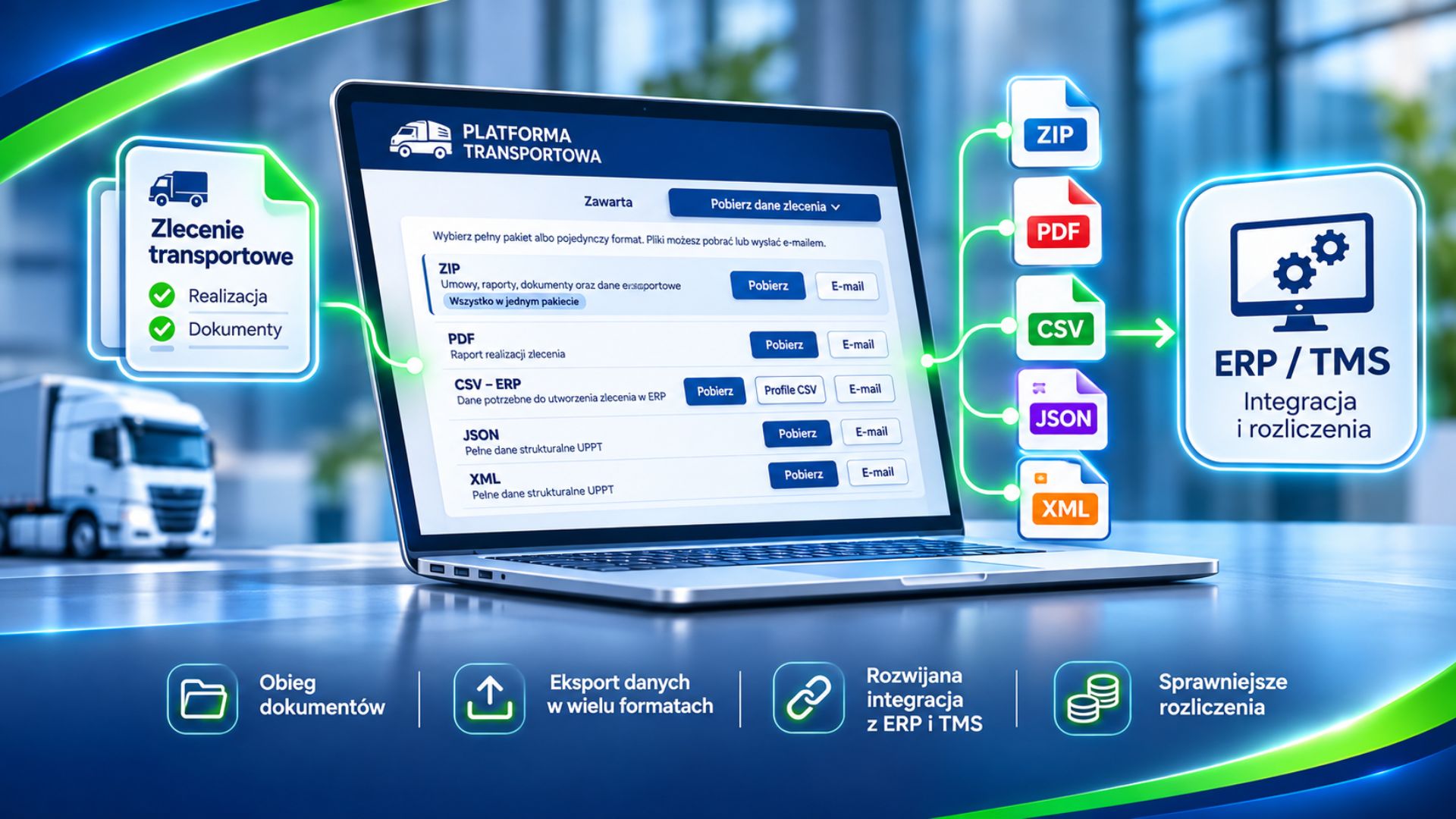
The Platform Transportowa enables the export of data on Transport Orders and Contracts of Carriage, as well as the preparation of the documentation required for subsequent Transport Settlements.
Document management in the UPPT system. The UPPT Panel provides tools for managing the Document Workflow related to the execution of a Transport Order. Users can prepare and download documentation and data in PDF, CSV, JSON or XML formats , or as a complete ZIP file, as well as send selected materials by email.
We are developing ERP and TMS Integrations. We are working on expanding the Platform’s ability to integrate with the ERP and TMS systems used by businesses. Our aim is to create a tool that enables ever-wider data exchange, automation of transport processes and more efficient billing for transport services.
- Documentation in one place – convenient management of documents relating to the transport operation
- Easy Data Export – various formats enabling further use of the information
- Less administrative work – reducing the need for manual data entry
- Expansion of integration – gradual extension of integration with ERP and TMS systems
Supplementary materials
Guides, document templates, instructions and training courses
Make the most of practical knowledge and tools to support your transport operations!
These supplementary materials help businesses organise transport operations, prepare documentation and learn about issues relating to transport and freight forwarding.
Here you’ll find guides, templates for letters and documents, and instructions to help you make the most of the available tools.
Do you need help using the Platform? You can also take advantage of personalised training and support in implementing the system into your business’s day-to-day operations.
- Practical knowledge – guides and information useful for transport operations.
- Simpler documentation preparation – templates for letters, documents and instructions.
- Training and implementation – the opportunity to learn how to use the Platform and its features at your own pace.
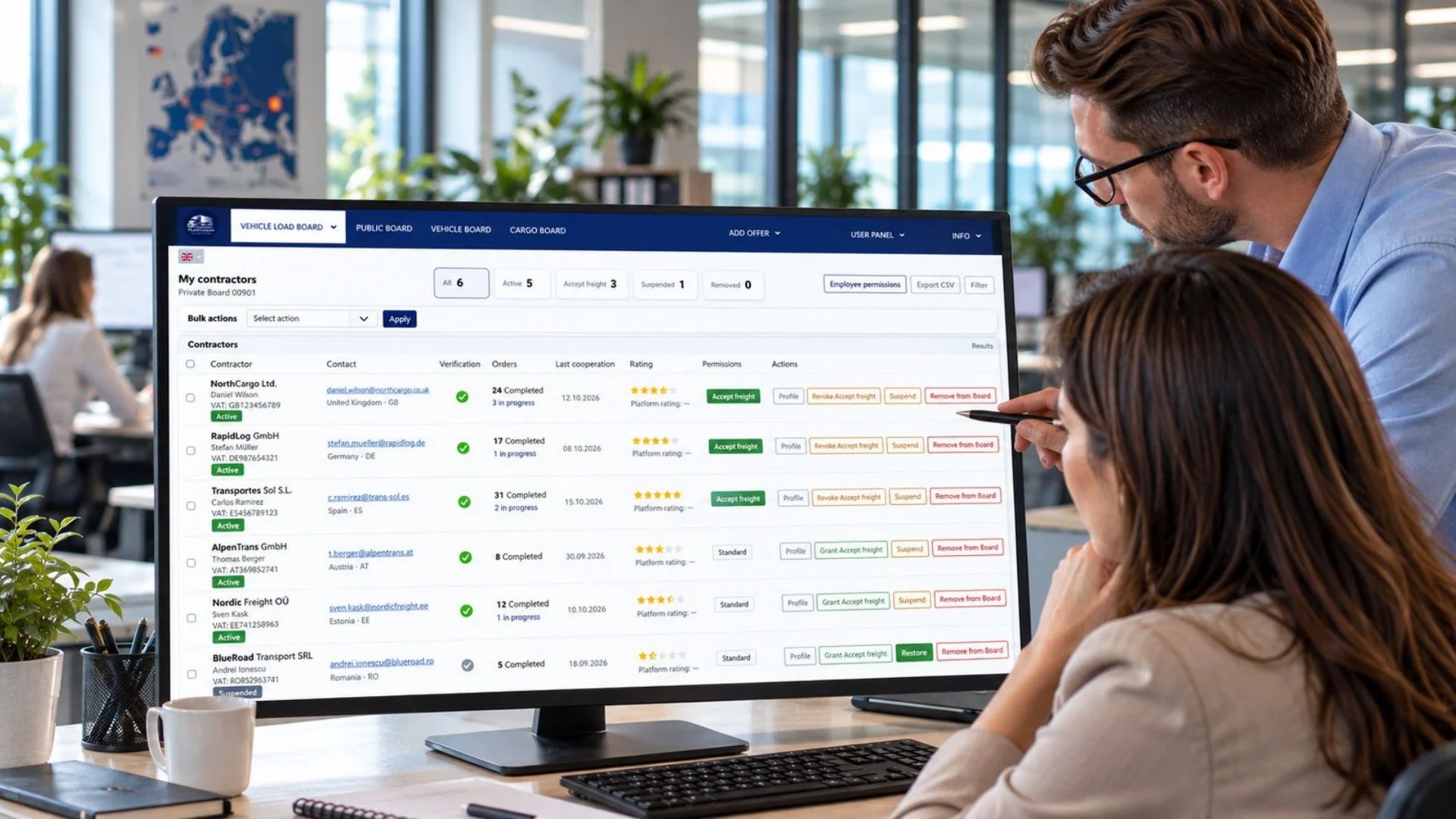
My Contractors
Manage your team’s Business Partners and permissions
The ‘My Contractors’ module provides a clear overview of the companies you work with within your Private Board – from company and contact details, through Company Verification statuses, to the history of your collaboration and shipments carried out under UPPT Contracts. You can assign your own notes, tags and a private rating to each company, giving you a well-organised hub for managing your partnerships, enabling you to quickly search for Business Partners and view the history of completed orders.
Carrier management. The module allows you to control Transport Companies’ access to your Private Board, grant or revoke ‘Accept Freight’ permissions, suspend access, remove carriers from the Board and reinstate them for collaboration. Saved notes, ratings and the history of previous collaboration are retained.
Employee permissions. As the Private Board Administrator, you can define the employee permissions for your company’s employees assigned to this board. You decide who can edit information about Business Partners, manage Carrier access, grant ‘Accept Freight’ permissions, perform bulk operations and export data.
- UPPT collaboration history – information on Business Partners, contracts concluded and transport operations in progress
- Notes, tags and private ratings – organise information about companies and use it for future orders
- Access and permissions management – control carriers’ access to the Private Boards